In today’s fast-moving digital world, where attention spans keep shrinking and competition keeps rising, your content is your strongest currency. But here’s the truth: great content alone won’t cut it. The way you manage that content determines whether your website quietly exists or confidently dominates.
At Zaapr, we believe smart content management is the backbone of a powerful online presence. This guide breaks down everything you need to know about choosing and mastering a CMS (Content Management System), so your website doesn’t just show up, it shows off.
What is a CMS, Really?
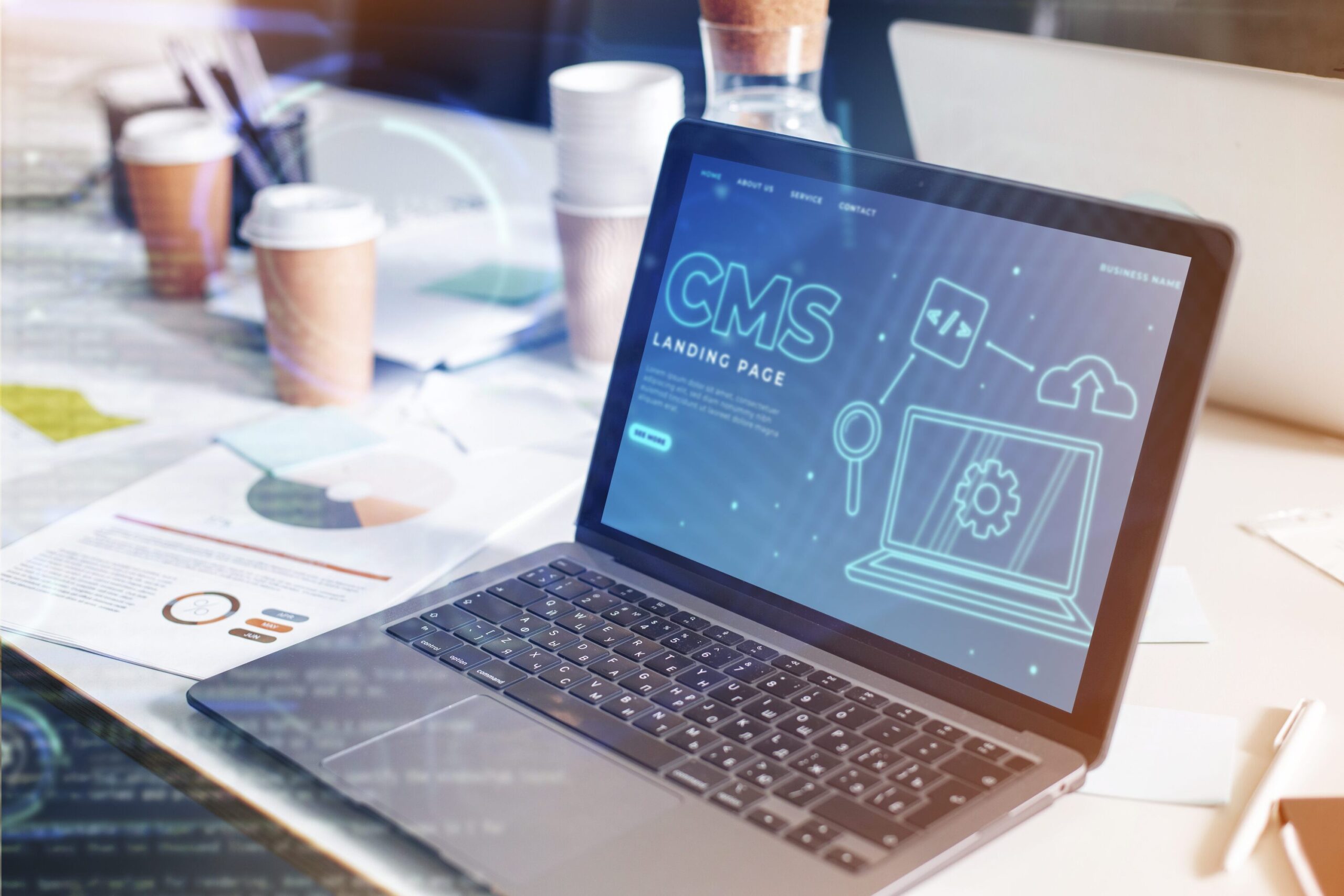
A Content Management System (CMS) is your website’s backstage essential — working quietly, efficiently, and without demanding coding expertise. It’s a software that lets you create, publish, edit and organize content with ease. Think of it as your digital command center, where updates happen in clicks, not code.

WordPress and Beyond: CMS Platforms Worth Exploring
Currently, WordPress dominates the CMS landscape — it’s user-friendly, highly customizable, and has a massive community. But it’s not the only option out there, several other robust platforms offer unique features and benefits. Here are few contenders that might be a better fit your needs:
1. Joomla
Joomla is a powerhouse for customization and complex content structures. Ideal for websites with varied content needs, though it comes with a steeper learning curve than WordPress.
2. Drupal
Drupal is a security-first CMS trusted by enterprises and government sites. It’s scalable, robust, and offers more security than WordPress, perfect for large projects. However, it requires more technical expertise to manage.
3. Magento
Magento is a top choice if you’re building a serious e-commerce ecosystem. With built-in product management and deep customization, it’s built for online stores that aim to scale. The only drawback is that it depends on plugins for e-commerce, unlike WordPress.
4. Ghost
Ghost is a writer’s dream. Fast, lightweight, and distraction-free—Ghost is perfect for publishers who want simplicity without sacrificing performance. Unlike WordPress, Ghost offers a clean, no-frills experience over heavy customization.
5. Squarespace
Squarespace is a design-driven platform built for creatives, startups, and small businesses. Stunning templates, effortless setup helps smoothly launch a site. Unlike WordPress, it has beautiful ready-made designs, making it ideal for quick, effortless launches.
What makes a CMS worth it? Key Features to Look For
Choosing a CMS isn’t just a technical decision, it’s a growth decision. Keep these essentials in mind:
1. Ease of Use
A user-friendly interface is essential. You shouldn’t need a developer for every edit or update. Look for a CMS that allows you to manage content effortlessly with full control over your website.
2. Customization Flexibility
Your CMS should offer themes, plugins, integrations, and design freedom—the more options you have, the better your brand story can stand out in a crowded digital landscape.
3. Strong SEO Tools
Meta-tags, clean URLs, sitemap generation—your CMS should help your content get discovered and ranked.
4. Security Features
A good CMS offers regular updates, strong permission controls, and reliable security add-ons. With cyber threats on the rise these robust security features are non-negotiable.
5. Scalability
As your traffic and business grow, your CMS should grow with you without slowing down. Choose a platform that can scale with your needs, ensuring that your site remains responsive and efficient as it expands.
6. Support and Community
Look for a CMS with extensive documentation, tutorials, forums, expert help—because sometimes a quick answer saves the day.

The Technical Side of CMS: Getting it Right
Managing content like a pro means understanding the tech essentials that keep your site smooth, fast, and future-ready.
1. Content Structuring
Organized content improves both user experience and SEO. Use categories and tags to make your content navigable, and ensure your URLs are clear and descriptive.
2. Performance Optimization
Slow websites can drive users away faster than you can say “buffering”. Compressed images, clean up scripts, and enable caching can make your website faster while keeping users engaged and boost search rankings, as faster sites are favored by Google.
3. Mobile Optimization
Responsive design is a must. With a significant number of web traffic coming from mobile devices, test your site across devices to ensure consistent, high-quality experiences.
4. Regular Backups
Automate backups to avoid unexpected data disasters. Think of them as your digital safety net, this way, you can recover swiftly if anything goes wrong.
5. Analytics and Reporting
Use analytics tools to understand user behavior and refine your content strategy with real data. It helps you enhance engagement and overall performance.
By focusing on these technical aspects, you can ensure your content management system works efficiently, keeping your website in top shape and ready for success.
Advanced Tips to Level Up your Content Management
Once your CMS basics are in place, here’s how to take your content strategy even further:
1. Personlized Content
Serve recommendations tailored to user behavior. Personalization = higher engagement.
2. A/B Testing
Test layouts, headlines, and content variations to see what actually converts. A/B testing allows you to make informed, data-driven decisions that enhance your results.
3. Automation Tools
Automate repetitive tasks like scheduling content, posting on social media, or sending newsletters—so your team can focus on strategy initiatives and more impactful activities.
4. AI and Machine Learning
Treat AI as having an intelligent assistant for content creation, SEO insights, predictive analytics. These tools fast-track your growth and keep you ahead of the curve.
Final Thoughts
Mastering content management is more than just publishing posts—it’s about structuring, optimizing, analyzing, and continuously evolving. With the right CMS, the right technical foundation, and the right strategy, your website becomes more than a digital presence—it becomes a high-performing brand asset.
Stay adaptable and continuously find ways to optimize your approach to grow in the digital space. Here’s to your journey from good to great!
Looking for more CMS insights, brand strategy tips, or creative perspectives?